Authenticate
 Manage Users
 Customize
 Auth0 AI
 Platform
- Variables are surrounded by curly brackets
{{ variable }}. - If a variable doesn’t exist or can’t be resolved, it has the same effect as an
undefinedvariable. - You can use nullish operators to handle
nullorundefinedvariables, for example:{{fields.foo ?? fields.bar}}.
Available variables
You can use different types of variables to reference and transform data you gather from customers with Forms and Flows.Context variables
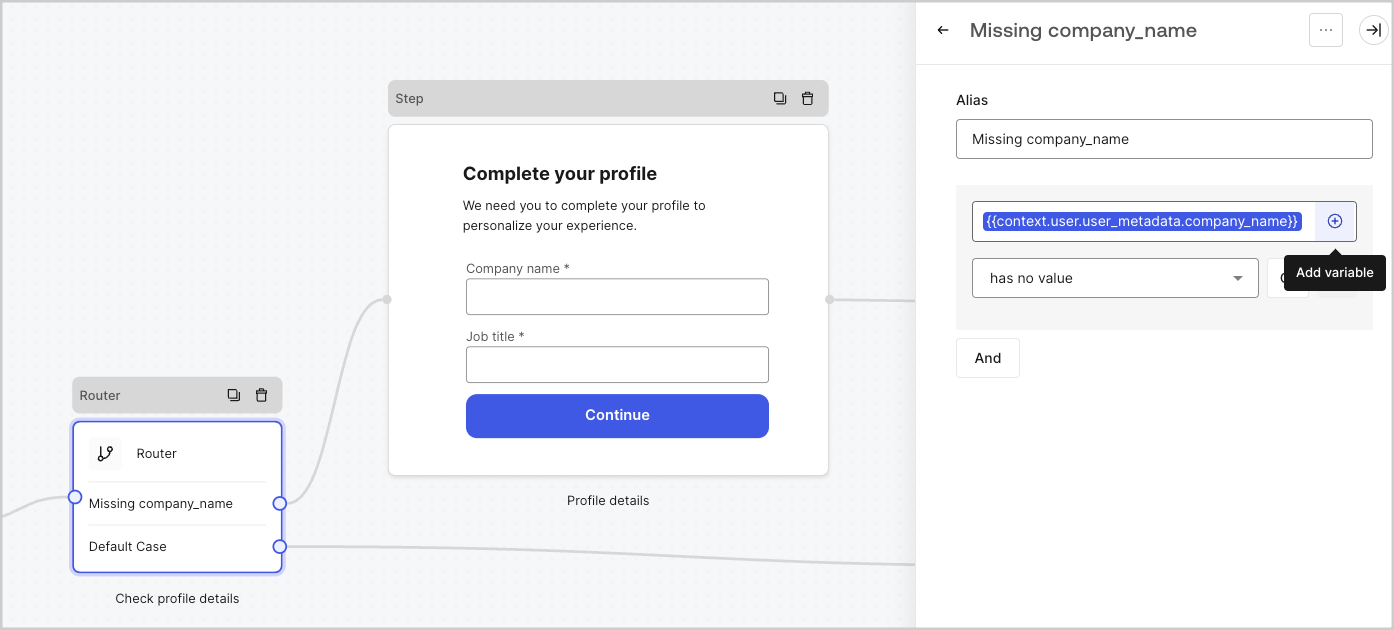
Forms and flows automatically inherit context variables from the current transaction. You can access the following context variables:-
The
userobject, with access to the following properties:user.user_iduser.usernameuser.nameuser.given_nameuser.family_nameuser.nicknameuser.emailuser.email_verifieduser.phone_numberuser.phone_verifieduser.pictureuser.user_metadatauser.app_metadatauser.created_atuser.updated_atuser.last_password_resetuser.identities
-
The
organizationobject, with access to the following properties:organization.idorganization.nameorganization.display_nameorganization.metadata
-
The
clientobject, with access to the following properties:client.client_idclient.name
-
The
tenantobject, with access to the following property:tenant.name
-
The
transactionobject, with access to the following property:transaction.statetransaction.correlation_id
-
The
custom_domainobject, with access to the following property:custom_domain.domaincustom_domain.domain_metadata
Example of context object
Example of context object
{{context.user.user_id}} references the user_id of the user object.

Form fields variables
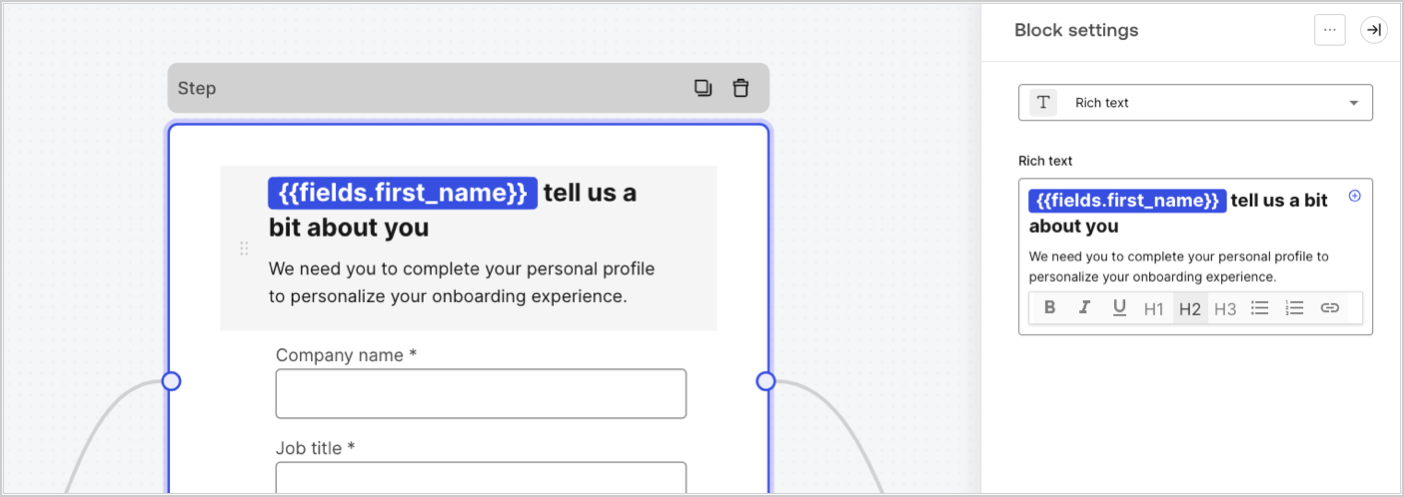
Field variables contain data collected from the user from input fields in the form and data from hidden fields. The data of each field varies depending on the field type. For example:{{fields.first_name}} references the input value of a field with the ID first_name.
Flow output actions variables
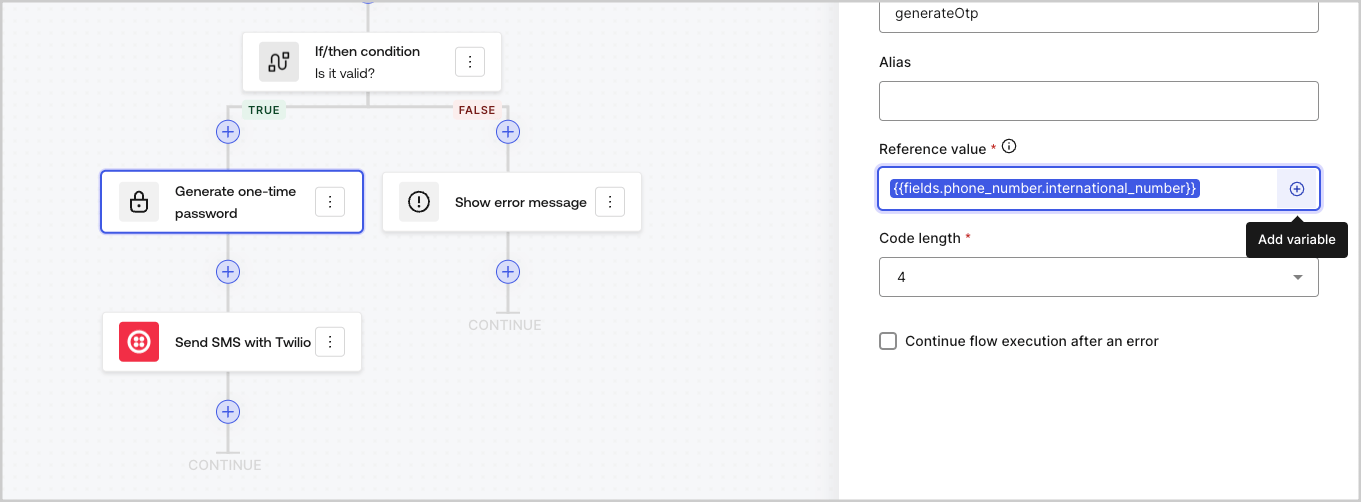
When a flow action is executed, it generates an output object response that can be referenced in subsequent actions. For example:{{actions.generate_otp.code}} references the output code of the action with ID generate_otp.

Shared variables
You can store variables to be shared with subsequent flows or even with form components in the same transaction. Shared variables are ephemeral and are associated with a specific form journey. Their values cannot be accessed outside of that journey. For example:{{vars.external_id}} references the value of a shared variable with ID external_id.

Helper functions
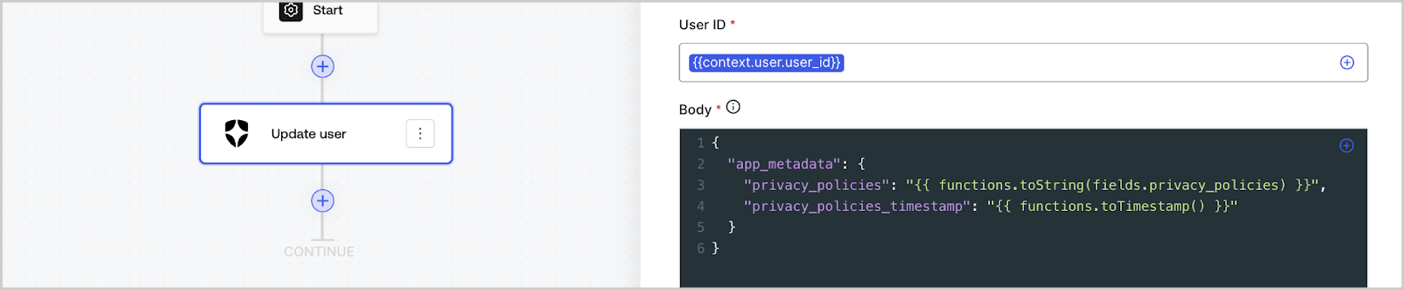
Helper functions let you transform data and perform simple operations. For example:{{functions.toString(fields.privacy_policies)}} transform the value of the field with ID privacy_policies using the toString() function.
Variables best practices
Use meaningful IDs
When you add a Form field or a Flow action, the ID is automatically generated. Update the ID to a more descriptive value so you can identify the information it contains. For example, if you create a Form field that stores the user’s first name, update the ID tofirst_name.
Be mindful when updating existing IDs
If a variable is already in use and you need to modify the ID, identify where you have referenced it and update the ID accordingly to avoid undefined or empty values.Check Flow executions
If you see an unexpected variable value, use the Executions view to troubleshoot the variable.Use the autocomplete menu
The autocomplete menu helps you locate and properly reference existing variables.